AI Tools for Fashion Mood Boards: A Practical Workflow for Better Prompts 한국어 요약
이 페이지는 ZView Space의 영어 원문을 한국어 검색 사용자도 이해할 수 있도록 정리한 SEO 요약입니다. 핵심은 단순한 얼굴 중심 이미지가 아니라 패션 에디토리얼, 룩북, 아웃핏, 프롬프트 테스트, 이미지 생성 워크플로우를 실제로 어떻게 구성할지입니다.
핵심 요약
- 원문 주제: AI Tools for Fashion Mood Boards: A Practical Workflow for Better Prompts
- 목적: AI 이미지 생성에서 outfit, silhouette, fabric, pose, location, camera framing을 더 명확하게 설계합니다.
- 활용 범위: Z-Image Turbo, Krea2 Turbo, Qwen Image, Anima, SeedVR2 같은 이미지 생성 및 업스케일 워크플로우에 적용할 수 있습니다.
- SEO 관점: 제목, 설명, 이미지 alt, 프롬프트 예시가 실제 검색 의도와 맞아야 색인 가능성이 높아집니다.
한국어 사용자를 위한 체크포인트
1. 프롬프트가 얼굴 묘사에만 머물지 않고 전체 스타일과 의상 구성을 설명하는지 확인합니다. 2. 패션 이미지라면 상의, 하의, 아우터, 신발, 액세서리, 소재감, 촬영 장소를 분리해서 씁니다. 3. 생성 결과는 바로 게시하지 말고 디테일, 손, 의상 형태, 배경 일관성, 이미지 품질을 비교합니다. 4. 글 본문에는 실제 테스트 기준과 실패를 줄이는 방법이 들어가야 검색엔진에서 얇은 콘텐츠로 보일 가능성이 줄어듭니다.
원문 미리보기
Fashion mood boards are useful only when they become decisions. A folder of attractive references does not automatically create a better AI image prompt. A good mood board explains what the image should do: the styling direction, the subject, the lighting, the
---
Fashion mood boards are useful only when they become decisions. A folder of attractive references does not automatically create a better AI image prompt. A good mood board explains what the image should do: the styling direction, the subject, the lighting, the camera distance, the color palette, the location, and the production value that should carry through into the final render.
This guide shows a practical way to use AI tools for fashion mood boards and convert those references into stronger prompts for Krea2 Turbo, Z-Image, and other image-generation models. The goal is not to collect more images. The goal is to build a clear visual brief that can survive the jump from inspiration to prompt.
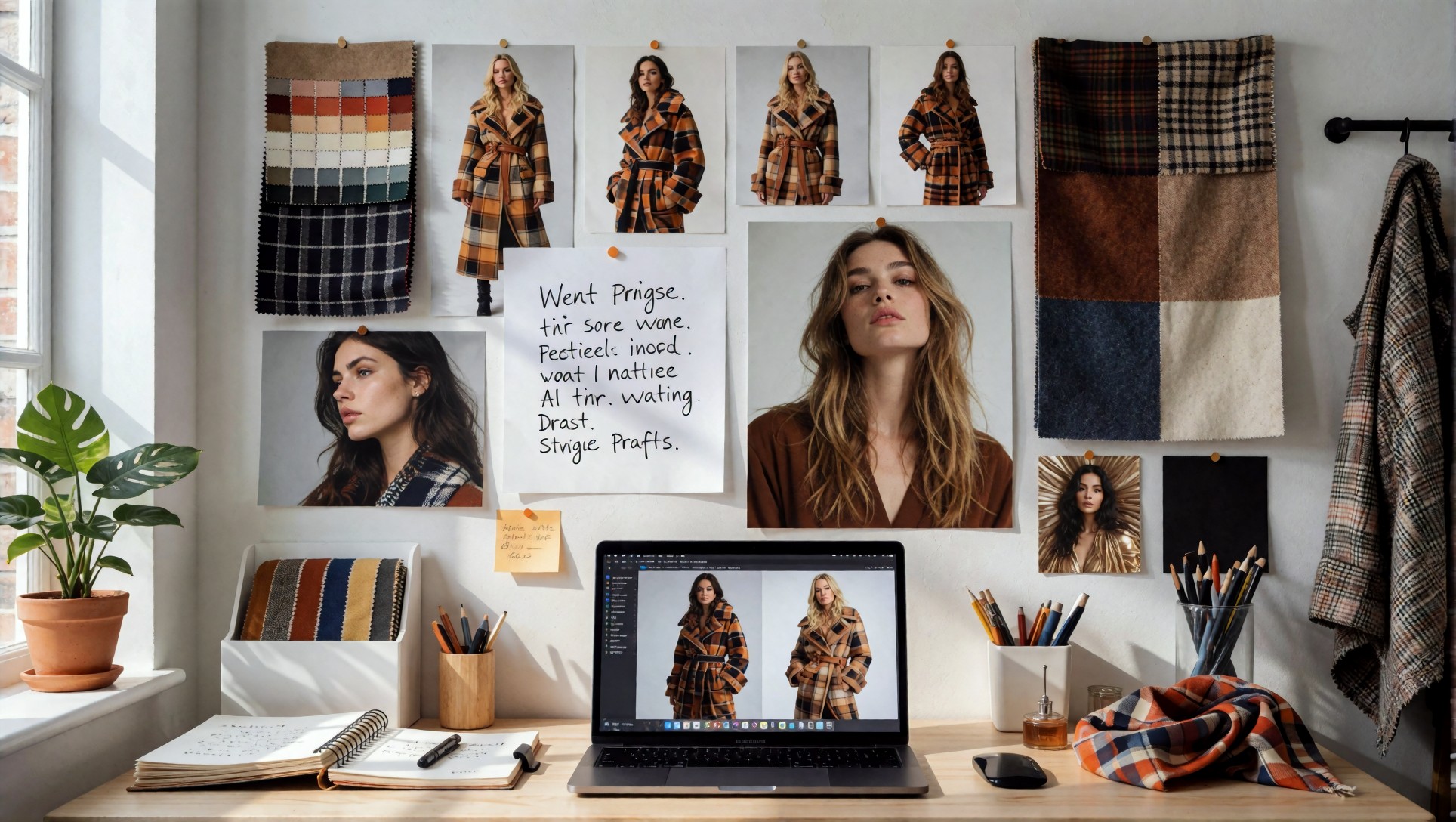
Quick answer: how AI mood boards improve prompts
AI mood board tools help fashion creators organize visual references before writing a prompt. The strongest workflow is:
1. Collect a tight set of references around one fashion idea. 2. Extract repeatable visual signals: silhouette, fabric, color, pose, location, light, camera, and mood. 3. Turn those signals into a structured prompt. 4. Generate test images with one model, such as Krea2 Turbo. 5. Compare the result against the original board and rewrite only the weak parts.
This process creates prompts that are more specific than generic phrases like “luxury fashion editorial” or “cool streetwear lookbook.” It gives the model actual visual instructions.
Why fashion mood boards often fail in AI workflows
Most weak fashion prompts fail because they describe an atmosphere but not the parts that make that atmosphere visible.
For example, this prompt is too broad:
> luxury fashion campaign, beautiful model, expensive styling, editorial photography
It sounds polished, but it leaves too many decisions open. The model still has to guess the garment, the pose, the environment, the lens feel, the lighting style, and the level of realism.
A better mood-board-driven prompt makes those choices explicit:
> minimalist resort lookbook, Korean model wearing an ivory linen blazer and wide-leg trousers, standing near a polished stone balcony at sunset, warm reflective light, relaxed editorial pose, 85mm lens, shallow depth of field, muted cream and slate palette, luxury fashion campaign, realistic fabric texture
The second version has a clearer production plan. The model can now understand the image as a fashion scene, not just a mood.
What to collect before writing the prompt
A useful fashion mood board does not need hundreds of references. For prompt writing, a smaller board is usually better. Aim for 8 to 16 images that answer specific questions.
1. Wardrobe direction
Start with the clothes. The prompt should identify the garment category and the styling logic.
Good reference notes include:
- tailored blazer, oversized coat, satin slip dress, cargo skirt, knit set, or technical jacket
- clean monochrome styling, layered streetwear, resort minimalism, glossy beauty editorial, or office lookbook
- visible fabric texture such as wool, silk, denim, leather, linen, nylon, mesh, or ribbed knit
Avoid vague wardrobe language like “stylish outfit” unless the image is only a general concept test.
2. Casting and pose
For fashion prompts, the model’s pose often matters more than facial detail. Mood boards should show how the subject carries the clothes.
Look for:
- standing full-body lookbook pose
- seated editorial pose
- walking street-style capture
- three-quarter portrait with garment detail
- hand placement, posture, gaze direction, and body angle
If the pose is not defined, the image model may default to a generic portrait.
3. Location and set design
Location gives the fashion image its story. A clean studio, hotel corridor, rooftop, beach resort, cafe, subway platform, gallery wall, or parking lot all produce different styling signals.
The location should support the clothes. A sharp black suit may fit a concrete office lobby. A linen resort outfit may fit a sunlit terrace. A futuristic coat may need a reflective night street.
4. Lighting and camera language
Lighting is one of the fastest ways to make an AI fashion image feel intentional.
Useful lighting notes include:
- soft window light
- golden-hour rim light
- clean studio softbox
- direct flash editorial
- rainy neon street light
- overcast natural light
- warm hotel interior light
Camera notes also help. Use practical terms such as full-body lookbook, waist-up editorial portrait, 85mm lens, 35mm street-style frame, shallow depth of field, or clean product-catalog framing.
5. Color palette
Fashion images become more consistent when the palette is controlled. Mood boards should name the dominant colors instead of relying on the model to infer them.
Examples:
- ivory, beige, slate, and warm brown
- black, chrome, charcoal, and cool blue
- blush pink, cream, soft gray, and muted gold
- denim blue, white, and sun-washed sand
A defined palette also helps with thumbnails and article visuals because the images look like they belong together.
The mood-board-to-prompt structure
Use a repeatable structure instead of writing every prompt from scratch. This keeps the prompt clear and makes it easier to diagnose failures.
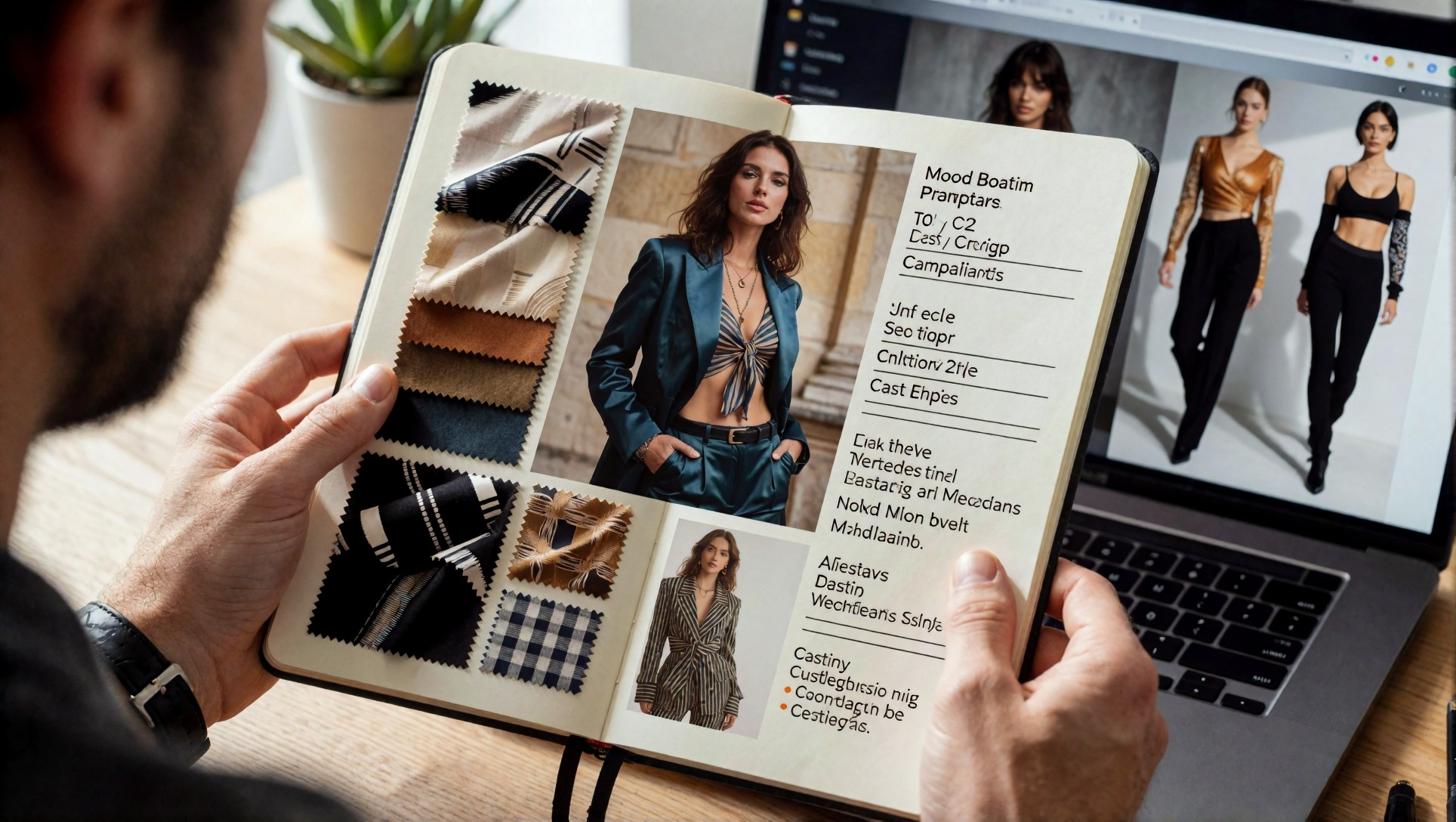
A reliable fashion prompt can follow this format:
- Subject: who or what appears in the image
- Wardrobe: garment type, fabric, color, and styling
- Scene: location, set, background, and props
- Pose: body angle, expression, and action
- Lighting: light source and mood
- Camera: lens feel, framing, depth of field
- Style: editorial, lookbook, campaign, catalog, street-style, or beauty direction
- Quality control: realism, texture, sharpness, natural skin, clean composition
This structure is especially useful when the article topic involves fashion, lookbooks, campaign prompts, or AI product photography.
Example prompt 1: editorial mood board to Krea2 Turbo
Use this when the mood board is built around soft editorial styling and refined wardrobe details.
Topic: Fashion mood board to editorial AI image Genre: Fashion editorial Camera: Sony A7R V Lens: 85mm f/1.4 Lighting: Soft window light with gentle shadows Location: Minimal studio with neutral fabric backdrop Style: Luxury lookbook campaign Final Prompt: Korean fashion model wearing an ivory tailored blazer, ribbed knit top, and wide-leg trousers, standing in a minimal studio with a warm neutral fabric backdrop, relaxed editorial pose, hands lightly adjusting the jacket, soft window light, shallow depth of field, 85mm lens, realistic skin texture, crisp fabric weave, muted cream and slate palette, luxury fashion lookbook, clean composition, high detail.
Example prompt 2: street-style mood board to AI lookbook
Use this when the mood board contains city references, layered clothing, and candid movement.
Topic: Street-style fashion mood board Genre: Urban lookbook photography Camera: Fujifilm GFX-style medium format look Lens: 45mm editorial lens Lighting: Overcast natural light Location: Concrete gallery street entrance Style: Modern Korean streetwear campaign Final Prompt: Korean model in an oversized charcoal wool coat, cropped white shirt, pleated black skirt, leather shoulder bag, and polished loafers, walking past a concrete gallery entrance, natural overcast light, candid street-style movement, clean vertical composition, subtle wind in hair, realistic clothing texture, muted gray and black palette, editorial lookbook photography, high detail, grounded realistic fashion styling.
Example prompt 3: product-led fashion mood board
Use this when the mood board focuses on garments, shoes, bags, or accessories rather than a face-centered portrait.
Topic: Product-focused fashion mood board Genre: Commercial fashion campaign Camera: Canon R5 commercial still life style Lens: 50mm macro editorial lens Lighting: Clean softbox with controlled highlights Location: Polished stone tabletop and neutral studio wall Style: Premium catalog-meets-editorial layout Final Prompt: luxury fashion product arrangement featuring a cream leather handbag, black pointed slingback shoes, folded silk scarf, silver jewelry, and fabric swatches on a polished stone tabletop, clean softbox lighting, controlled reflections, neutral studio background, high-end fashion catalog composition, realistic leather grain, silk texture, crisp edges, refined beige black and silver palette, commercial campaign quality.
Example prompt 4: final generated fashion editorial
The image below represents the type of visual target a structured mood board can produce: clear styling, defined light, and an editorial result that feels connected to a fashion brief rather than a random portrait.
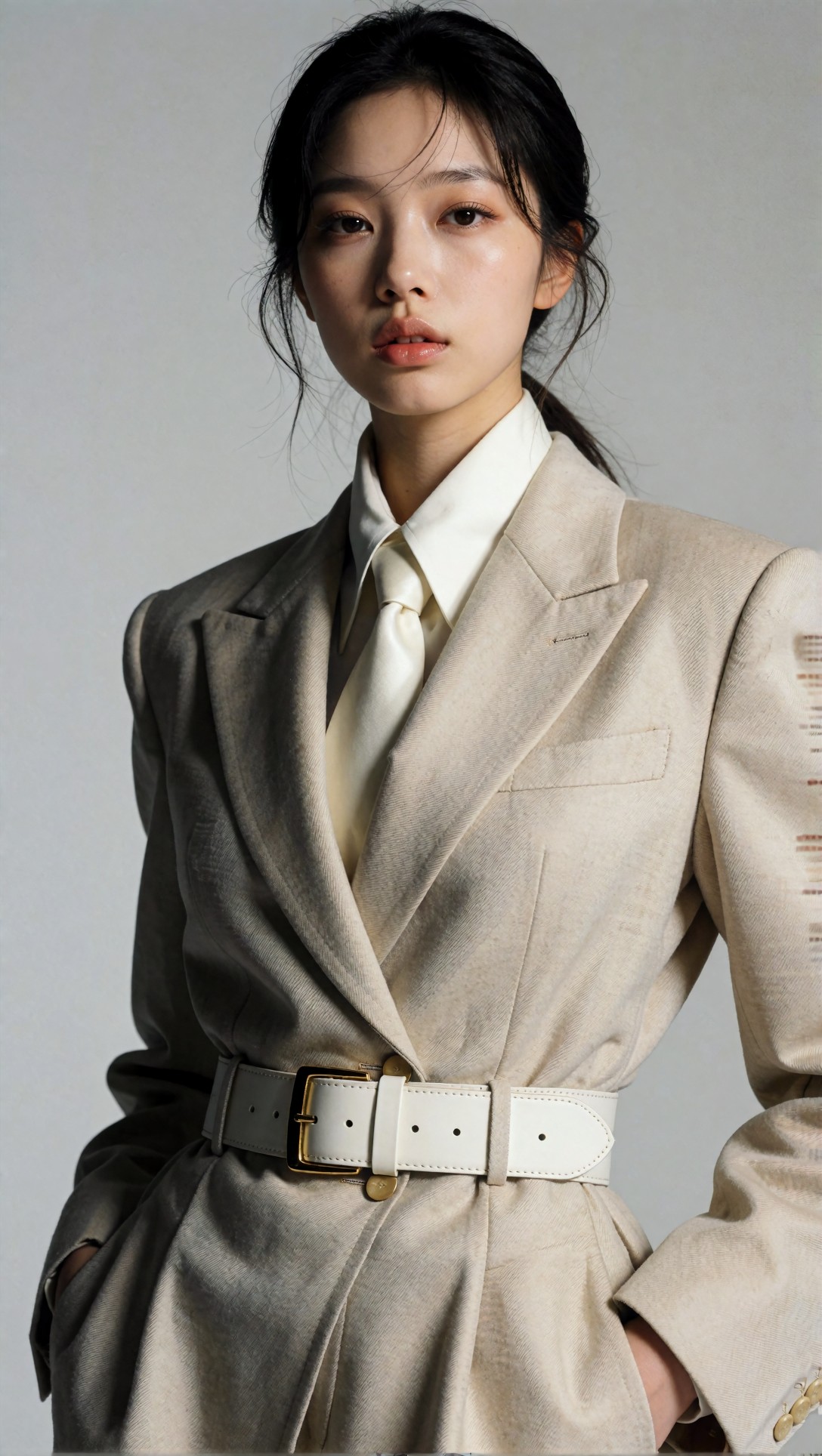
Topic: Mood-board-based final fashion image Genre: Fashion campaign portrait Camera: Full-frame editorial camera Lens: 85mm portrait lens Lighting: Controlled studio softbox Location: Warm modern studio Style: Premium lookbook cover image Final Prompt: Korean model in a tailored neutral fashion look, warm modern studio background, clean full-body editorial framing, subtle confident expression, carefully styled hair, realistic garment texture, controlled softbox lighting, shallow depth of field, muted luxury palette, campaign-ready composition, high detail, natural skin, polished Krea2 Turbo fashion editorial.
How to test whether the mood board worked
A prompt is not successful just because the image looks attractive. It is successful when the generated image reflects the original visual strategy.
After generation, compare the result against the mood board using these checks:
Wardrobe match
Does the output clearly show the garment type and fabric? If the mood board was built around tailoring, the final image should not drift into a generic dress portrait. If the board was built around resort styling, the image should show breathable fabrics, relaxed posture, and an appropriate location.
Lighting match
Does the image follow the intended light? A soft window-light board should not produce heavy nightclub contrast. A direct-flash editorial board should not look like a natural daylight portrait.
Composition match
Did the model choose the right crop? Fashion mood boards often need full-body or three-quarter framing. If the output crops too tightly, rewrite the prompt with “full-body lookbook frame” or “head-to-toe styling visible.”
Color match
Does the image respect the palette? If the prompt says ivory, slate, and warm brown but the output becomes saturated red or blue, move the palette earlier in the prompt and reduce conflicting adjectives.
Usefulness for the article
For SEO and AdSense quality, the image should make the article easier to understand. A fashion mood board article should show mood-board logic, prompt translation, generated output, or review criteria. Decorative images alone are weaker.
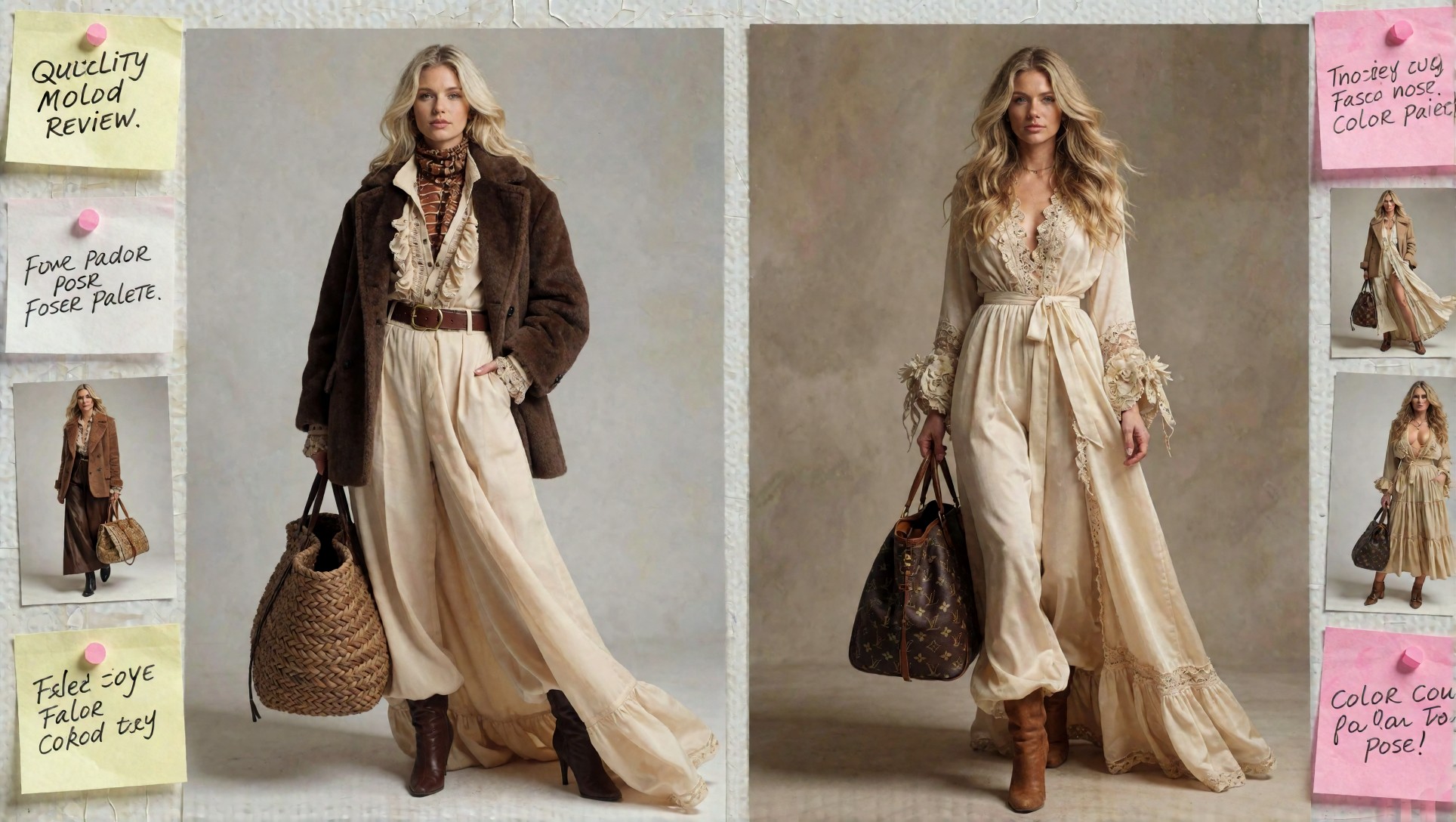
Common problems and how to fix them
Problem: every image becomes a portrait
Add camera distance and garment visibility.
Use phrases like:
- full-body lookbook frame
- outfit visible from head to toe
- three-quarter fashion editorial crop
- garment details clearly visible
- model standing with visible shoes and bag
Problem: the outfit is too generic
Move wardrobe details earlier in the prompt. Name the fabric, cut, and color.
Weak: “stylish outfit” Better: “oversized charcoal wool coat, cropped white shirt, pleated black skirt, polished loafers”
Problem: the mood board is too mixed
Split the board into smaller themes. Do not combine resort minimalism, cyberpunk lighting, office tailoring, and romantic beauty styling in one prompt unless the concept truly needs that collision.
Problem: the model ignores the location
Describe the environment as part of the fashion story, not as an afterthought.
Weak: “fashion model, city background” Better: “model walking past a concrete gallery entrance, brushed steel door, pale stone wall, overcast natural light”
Problem: the output looks artificial
Reduce overloaded quality phrases and add concrete realism cues.
Useful cues include realistic fabric weave, natural skin texture, believable posture, clean shadow direction, controlled highlights, and grounded editorial styling.
Recommended workflow for fashion teams
For a repeatable workflow, use this sequence:
1. Build one concept board around a single fashion story. 2. Write one visual brief in plain language. 3. Extract prompt fields for subject, wardrobe, scene, pose, lighting, camera, and palette. 4. Generate 4 to 8 test images with the same model. 5. Select the closest result and rewrite only the weak prompt fields. 6. Save the final prompt as a reusable template for similar campaigns.
This keeps the process controlled. It also creates better article examples because readers can see how the image was planned, generated, and reviewed.
SEO note: what readers are really searching for
Searches around AI tools for fashion mood boards, fashion mood board AI, and AI fashion prompts usually come from people who want practical output, not theory. They want to know how to turn references into usable prompts, how to control the look, and how to avoid random images.
That means a useful article should include:
- a clear mood-board workflow
- concrete prompt structures
- generated visual examples
- before-and-after thinking
- common failure cases
- a reusable checklist
A generic list of AI tools is less useful unless it explains how those tools change the prompt.
Final takeaway
AI tools can make fashion mood boards faster, but the real value comes from translation. The board should become a prompt brief: wardrobe, subject, location, light, camera, palette, and quality checks. When those parts are clear, models like Krea2 Turbo can produce images that feel closer to a real fashion direction instead of a random aesthetic guess.
Use the mood board as the strategy, the prompt as the production brief, and the generated image as the test. That loop is what turns visual references into better AI fashion prompts.